Bitdefender Internet Security Replaced by Total Security
In short: Bitdefender Internet Security has been replaced by Total Security
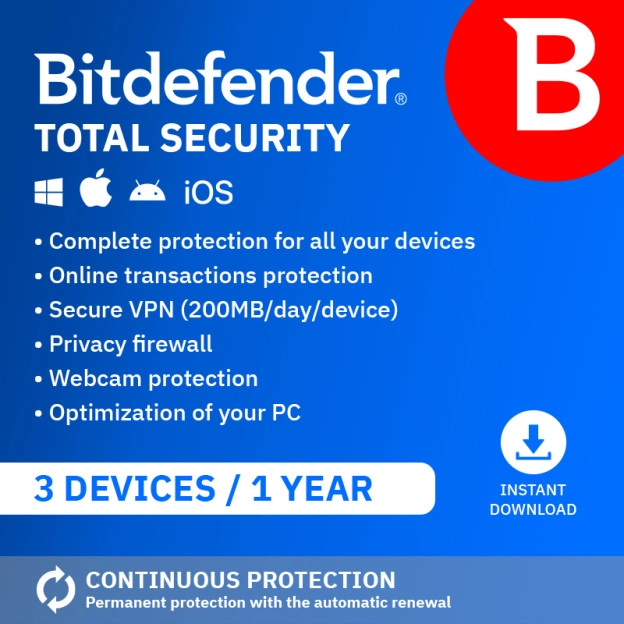
Bitdefender has replaced Internet Security worldwide with its new product line, so the package can no longer be ordered. The best alternative is Bitdefender Total Security Individual (5 devices). Had parental controls active in Internet Security? Then take a look at Bitdefender Total Security Standard (3 devices). In this article we put both programs side by side and show you exactly what changes and what stays the same.
Have you used Bitdefender Internet Security for years and just heard it's no longer available? Fair first question: will you have to get used to a whole new program? We installed and tested Internet Security and Total Security ourselves, side by side, so you know exactly what changes before you switch.
Why is Internet Security no longer available?
With the arrival of the new product line, Internet Security is no longer available. Bitdefender itself replaced this package with Total Security, as part of the full renewal of its product line in 2026. Curious about the complete new lineup? Check out our full comparison of all 8 Bitdefender packages.
Internet Security vs Total Security: what actually changes?
Total Security adds a number of features that Internet Security didn't have. But not everything that looks new actually is. Some features were already in Internet Security, just with a different default setting. We put both dashboards side by side to show you exactly what changes.
See the full feature comparison
| Feature | Internet Security | Total Security Individual |
|---|---|---|
| Antivirus (real-time protection) | ✓ | ✓ |
| Advanced Threat Defense | ✓ | ✓ |
| Online Threat Prevention | ✓ | ✓ |
| Vulnerability scan | ✓ | ✓ |
| Firewall | ✓ (off by default) | ✓ (on by default) |
| Antispam | ✓ | ✓ |
| Ransomware Remediation | ✓ | ✓ |
| Safepay | ✓ | ✓ |
| VPN (200 MB/day) | ✓ | ✓ |
| Webcam and microphone protection | ✓ | ✓ |
| Anti-tracker | ✓ | ✓ |
| Parental Control | ✓ | — |
| Profiles & File Shredder | ✓ | ✓ |
| Email Protection | — | ✓ new |
| Cryptomining Protection | — | ✓ new |
| Password manager (SecurePass) | — | ✓ new |
| Anti-Theft | — | ✓ new |
| Device optimisation (OneClick Optimizer) | — | ✓ new |
| Devices | 1 (Windows only) | 5 (Windows, Mac, Android, iOS) |
The genuinely new features in Total Security are:
- Email Protection: scans incoming emails for suspicious links and attachments before you click on them.
- Cryptomining Protection: blocks software that secretly uses your processor to mine cryptocurrency for someone else.
- SecurePass: a password manager that securely stores your passwords and other sensitive data and syncs them across all your devices.
- Anti-Theft: if your laptop is lost or stolen, you can locate, lock, or remotely wipe it through your Bitdefender Central account.
- OneClick Optimizer: clears out unnecessary files in one go to keep your device running faster.
On top of that, Total Security protects 5 devices across multiple platforms in one go, instead of a single Windows device.
The firewall is a good example of a feature that's in both packages, but doesn't feel quite the same. In Internet Security you had to switch it on yourself, in Total Security it's on by default.
What stays the same?
The dashboard is built identically in both programs: the same layout with Dashboard, Protection, Privacy, Utilities, Notifications and Settings in the sidebar. Total Security simply shows a few extra cards within those same screens. Switching over feels familiar, you don't have to relearn where everything is.
Tested by 2GO Software: our experience
✓ Tested by 2GO Software, 31 August 2026, on a Windows laptop
Installing is just as smooth for both programs. Little technical knowledge is needed, and the process for Internet Security works exactly the same way as for Total Security.
SecurePass is actively brought to your attention. When installing Total Security, Bitdefender immediately asks you to set up the password manager. You can set a PIN so you don't have to enter your password every time, and you get step-by-step instructions to start using the feature.
Clear for everyone. Every feature is briefly explained in the dashboard: what it does and which problem it solves. Even if you're not technically minded, you know exactly what you're looking at.
Watch out with multiple subscriptions. Had another Bitdefender package active alongside Internet Security? It can take a moment to find which subscription you now want to use in your Bitdefender Central account. An older package stays visible until you change it yourself.
Had parental controls active in Internet Security?
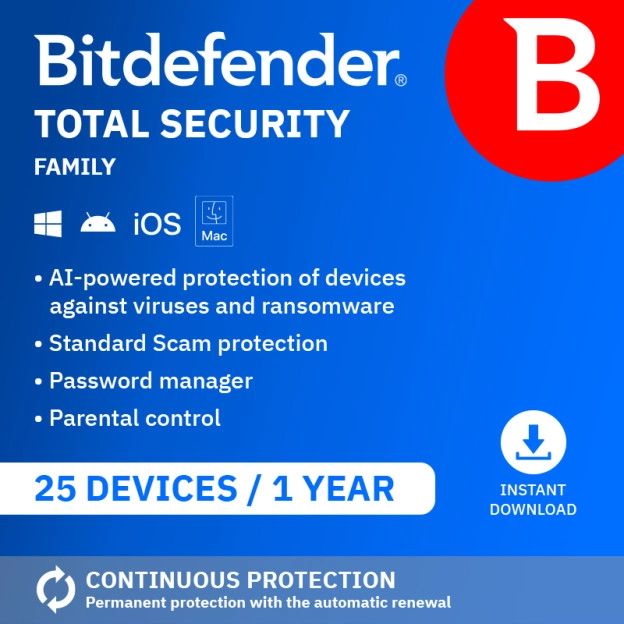
A notable outcome of our test: Internet Security, contrary to what you might expect, had parental controls built in. Total Security Individual doesn't, SecurePass takes its place instead. If you used parental controls, Bitdefender Total Security Standard (3 devices) is the more logical successor, not Individual. Want both parental controls and a password manager? Then Bitdefender Total Security Family is the right choice.

Internet Security: parental controls are included (click to enlarge)

Total Security Individual: SecurePass instead of parental controls (click to enlarge)
Which package should you choose?
Choose Total Security Individual if…
you want to protect 5 devices across multiple platforms and manage your passwords centrally with SecurePass.
✗ Not ideal if you need parental controls. Choose Standard or Family instead.
View Bitdefender Total Security Individual
Choose Total Security Standard if…
you want parental controls on up to 3 devices, just like in Internet Security, without a password manager.
✗ Not ideal if you want to manage passwords or protect more than 3 devices.
View Bitdefender Total Security Standard
Choose Total Security Family if…
your family wants both parental controls and its own password vault per member, across up to 25 devices.
View Bitdefender Total Security Family
Why buy Bitdefender from 2GO Software?
2GO Software is an official Bitdefender partner, which means we buy our licences directly from Bitdefender itself, without third parties. This way you know for certain that the licence you buy is legitimate and that you have full access to all official updates.
Once your order is confirmed, your licence is ready straight away in your account, together with the matching instructions. Can't quite figure it out yourself? Then you can make use of our free installation service, and our specialists are on hand 7 days a week to help you.