
3 steps to a fresh start in 2026
In short: a fresh start for 2026 in 3 steps
Do you want to start 2026 with clarity and without digital hassle? In this blog, you will read how to get your basics in order in three logical steps: first clean up your PC with Norton Utilities Ultimate, then organise your files properly with Acronis back-up software, and finally maintain a simple routine. This way, you know everything works, you avoid postponing tasks, and you can start the new year productively right away.
A new year feels like a logical moment to start fresh. New plans, new goals, and the desire to work with more clarity. Yet for many people, 2026 starts with the same digital problems: a slow computer, cluttered folders, and uncertainty about where important files are stored. That is a shame, because this kind of hassle unnecessarily costs time and energy. With a few focused steps, you can solve this immediately. In this blog, we guide you through three clear steps that help you clean up your computer, properly arrange your back-ups, and establish a fixed routine. This approach is suitable for private and home use, study, and self-employed work.
Step 1: Clean-up – Get rid of digital clutter
Goal: make your computer faster and more organised.
Sound familiar? Your computer takes longer and longer to start up, programs respond slowly, and you no longer really know what is installed on your PC. This is often caused by temporary files, old software, and unnecessary processes that start automatically.
With Norton Utilities Ultimate, you tackle this in one go. This product helps you by:
- Removing unnecessary files
- Optimising start-up programs
- Improving your PC’s performance
The nice thing is that you do not need any technical knowledge. You clearly see what is being cleaned up and you remain in control. After this step, your computer immediately feels much fresher. Less waiting time, less frustration, and more focus on what you really want to do in 2026.
Step 2: Back-up – Better to arrange it now than later
Goal: prevent losing your files.
Back-ups are one of those things that are easy to postpone. “That won’t happen to me” or “I’ll do that later” are thoughts many people recognise. Until something suddenly goes wrong and you realise that important documents or photos cannot be recovered anywhere. That is exactly why it is smart to arrange this properly at the start of the year.
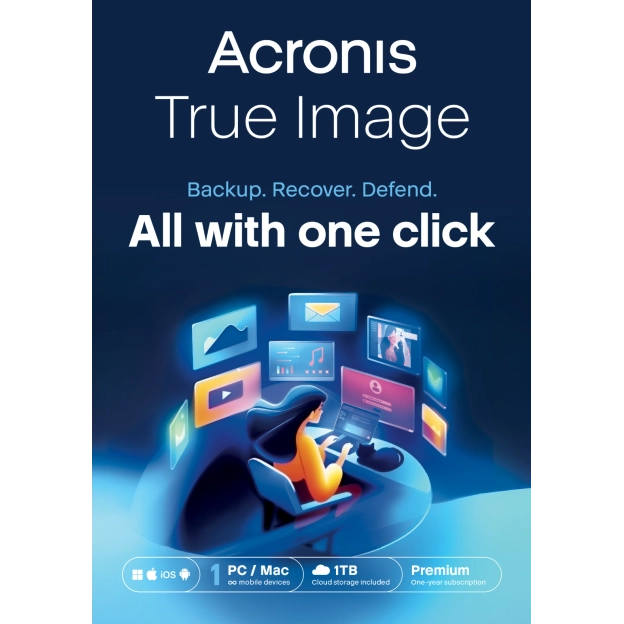
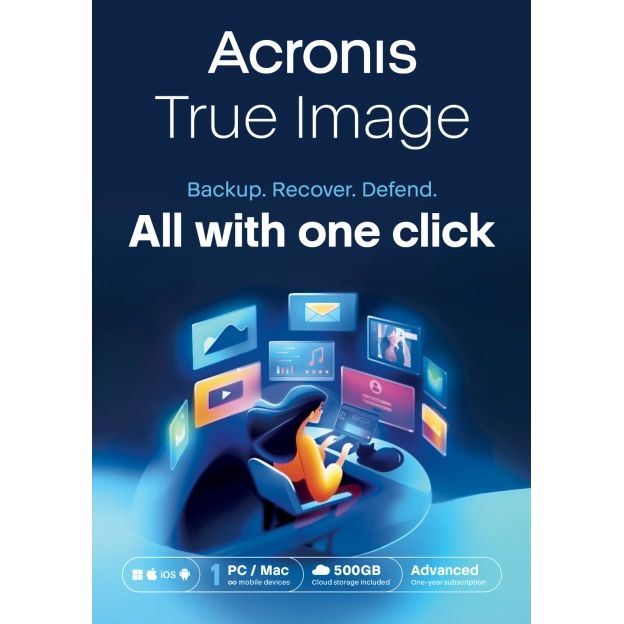
With Acronis back-up software, you ensure there are fixed moments when copies of your important files are created. This way, you know for sure that you always have something to fall back on, without having to keep track of it yourself. It is good to know that there are differences between the Acronis packages. The differences between these packages are:
- Acronis True Image Essentials creates back-ups to an external hard drive or NAS. This package does not include cloud back-up, so you store everything locally via a connected drive.
- Acronis True Image Advanced and Acronis True Image Premium give you more flexibility. These packages create cloud back-ups, but can also simultaneously create a local back-up on an external drive. This gives you a double back-up at all times.
Which option you choose depends on how you work. If you prefer using an external drive, Essentials is a logical choice. If you want extra security and as little hassle as possible, a combination of cloud and local back-up is a better fit. Once you set this up now, you will hardly need to think about it for the rest of 2026.
Step 3: Routine – Small maintenance, big difference
Goal: make sure it stays this way, without extra effort.
Once you know your back-up is running properly, space automatically opens up in your mind. You no longer need to constantly check whether everything is still correct. And that is exactly the moment when a simple routine makes the difference.
You do not need to make it big or complicated. With a fixed habit, you keep your digital basics in order throughout the year, without it feeling like extra work. Think of:
- A weekly or fortnightly optimisation round with Norton Utilities Ultimate
- A monthly check to make sure your back-up is running properly
These are short moments, but they prevent clutter, delays, or uncertainty from building up again. This keeps your computer fast, your files organised, and allows you to get started immediately whenever you want. No catch-up work, no procrastination. Just a solid foundation that works, week after week.
Start fresh. Work smart. 2026 starts with 2GO.
With these three steps, you lay a digital foundation you can rely on all year round. Your computer runs smoothly again, your files are safe, and you know exactly where you stand. At 2GO, you arrange this easily with official software, instant delivery, and support you can continue to rely on throughout 2026.
Want to make it even easier for yourself? With one or two smart licences, you have everything in order straight away and can start working on your plans without delay. This way, a fresh start is not just a good intention, but something that truly works.