

Adobe Acrobat Classic Student & Teacher edition | 1 User | 3 Years | Windows & macOS



-
Full functionality
-
Sustainable license
-
User-friendly
-
New Acrobat experience
-
Security integrations
-
Improvements to existing features
 Activate renew alert >
 Description
Adobe Acrobat Classic Student & Teacher edition: The New Standard for PDF Editing!
Adobe Acrobat Classic is the ultimate software for creating and editing PDF files. With powerful features, you are always productive, wherever you are.
Adobe Acrobat Classic Student & Teacher edition is intended for 1 user and can be installed on 2 devices. This new product offers a 3-year license, allowing you to benefit from all its capabilities for an extended period. It is available for both Windows and macOS and is a multi-language version, meaning it is available in several languages, including English and Dutch!
Only for students, teachers and supporting (school) staff
PLEASE NOTE This product is not intended for the "normal" consumer. Only students and teachers can use this product. Click on the link view full description to see if you qualify and how to prove it.
Looking for the "regular" version for consumers and businesses? Then click to: Adobe Acrobat Classic
The Successor to Adobe Acrobat Pro
Adobe Acrobat Classic Student & Teacher edition is the successor to Adobe Acrobat Pro and includes all the features of Acrobat Pro 2020, plus the latest desktop features added since the 2020 launch. With Acrobat Classic, you benefit from advanced annotation and commenting tools, as well as the ability to create and fill interactive forms. This makes it an ideal choice for both business and personal use.
Choose Adobe Acrobat Classic Student & Teacher edition and experience the power of professional PDF editing!
Creating PDFs & Editing PDF Files; Only with Adobe Acrobat Classic!
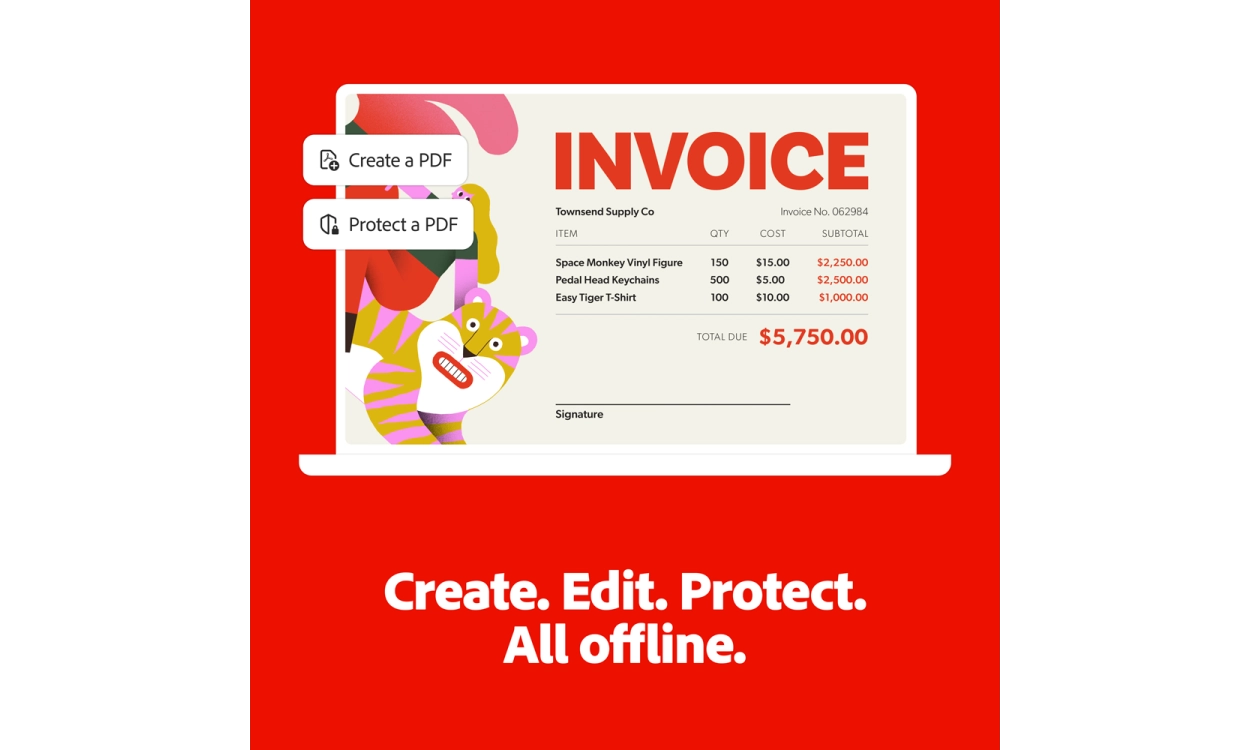
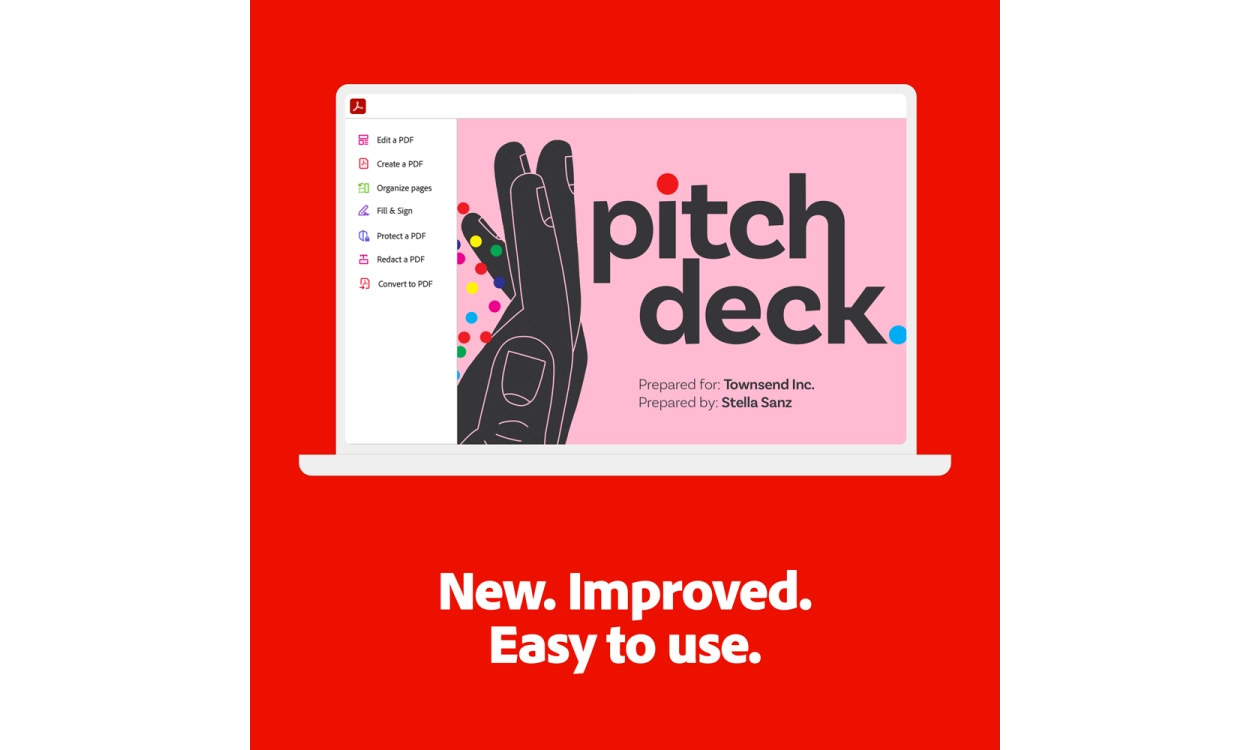
Adobe Acrobat Classic ensures you can work smartly and organized. Whether you are in the office or on the go, you can effortlessly create, edit, convert, organize, and sign PDF files.
Modules of Adobe Acrobat Classic Explained in Detail:
Adobe Acrobat Classic is available for both Windows and macOS, ensuring you have access to the powerful features of this software anywhere and anytime.
Easy Printing to PDF
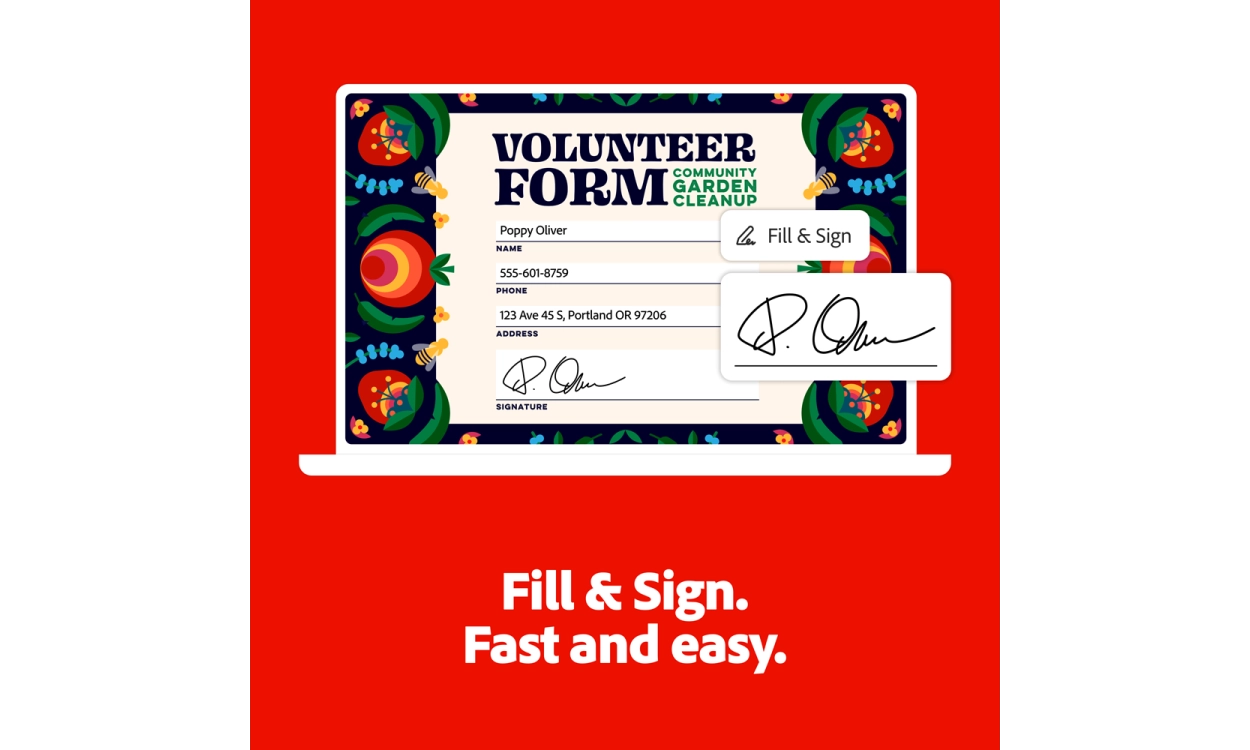
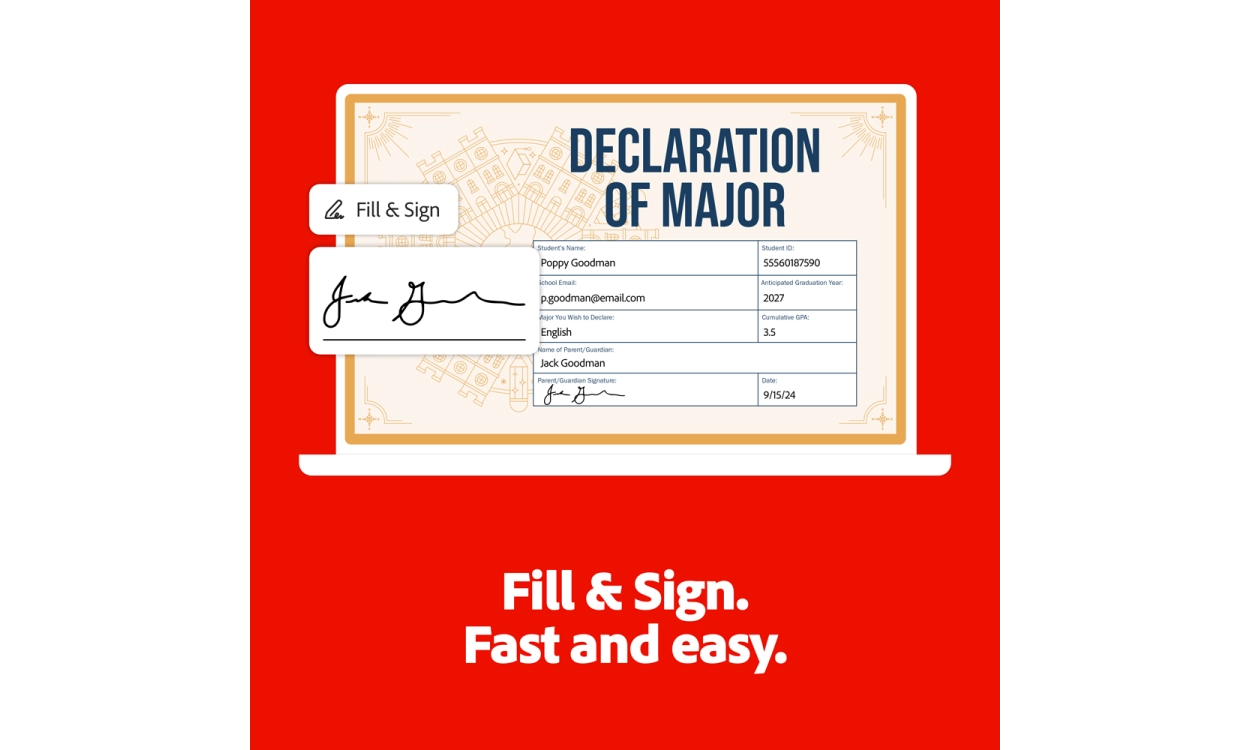
With Acrobat Classic, you can easily print all your documents to PDF. You can also sign PDF files with an electronic signature thanks to Adobe's e-signature support. Additionally, the package allows you to fill out forms and work on mobile devices, helping you organize your work efficiently and professionally.
Edit Existing PDF Files
Adobe Acrobat Classic is ideal for editing existing PDF files. You can easily change text, add to bullet points, or adjust the entire document. You can also convert a PDF file to a Word or Excel document to continue working and then save it back as a PDF from your Office application.
New Features of Adobe Acrobat Classic:
- Full Functionality of Acrobat Pro 2020: Adobe Acrobat Classic includes all the features of Acrobat Pro 2020, giving you access to the most powerful PDF editing tools.
- New Desktop Features: In addition to existing capabilities, various new features have been added to enhance the user experience, such as faster loading times and improved performance.
- Advanced Annotation and Commenting Tools: Collaborating with others has never been easier. With the new annotation tools, you can easily add comments and highlights to your documents.
- Interactivity with Forms: Create and fill interactive forms using user-friendly tools. This simplifies data collection and document sharing.
Discover the Benefits of Ordering from 2GO Software – The Number 1 Software Specialist!
We offer you unparalleled service that provides complete assurance. With 2GO Software, you are always guaranteed a 10-star experience:
- 100% Legitimate Licenses: You receive official licenses that are regularly updated, ensuring you always have access to the latest features.
- Free Installation Service: The software is installed for you at no extra cost, providing you with complete peace of mind.
- Money-Back Guarantee: If you are not satisfied, you can always count on a full refund.
- Customized Instructions: You will receive tailored instruction sets to get the most out of your purchase.
- Support Seven Days a Week: Expert software specialists are available for you throughout the week.
- Renew Without Losing Days: Unused days on your license do not get lost when renewing.
- Discounts for Loyal Customers: Loyal customers receive renewal discounts and extra savings through the 'Refer a Friend' program.
- Free Gifts: Certain products come with free gifts as a token of appreciation.
- Free Trial: You can test the software first to see if it meets your expectations before purchasing.
- Safe Online Shopping: The website is secured with SSL and offers various secure payment methods.
Choose 2GO Software and experience the combination of quality, service, and assurance that you deserve!
FAQ
Loading...
Product information
Loading...
Do you want to know more or are you not quite sure what to pick? Call our software specialists for the best advice.
Call me back
Summarized
-
Full functionality
-
Sustainable license
-
User-friendly
-
New Acrobat experience
-
Security integrations
-
Improvements to existing features
Buy Adobe at Licentie2GO
-
Customised installation guides for installing your software yourself
-
Adobe: market leader for office software
-
Always the latest version of the software
-
100% legitimate software downloads
-
Re-installation always allowed!
