

Parallels Desktop 26 for Mac | One-time purchase | Home use | 1 installation




-
The solution to run Windows on your Mac
-
Can be installed on 1 Mac
-
Suitable for: Mac
-
Language selection: Several languages
-
Subscription duration: One-time purchase
Description
Parallels Desktop 26 Home - One-time Purchase
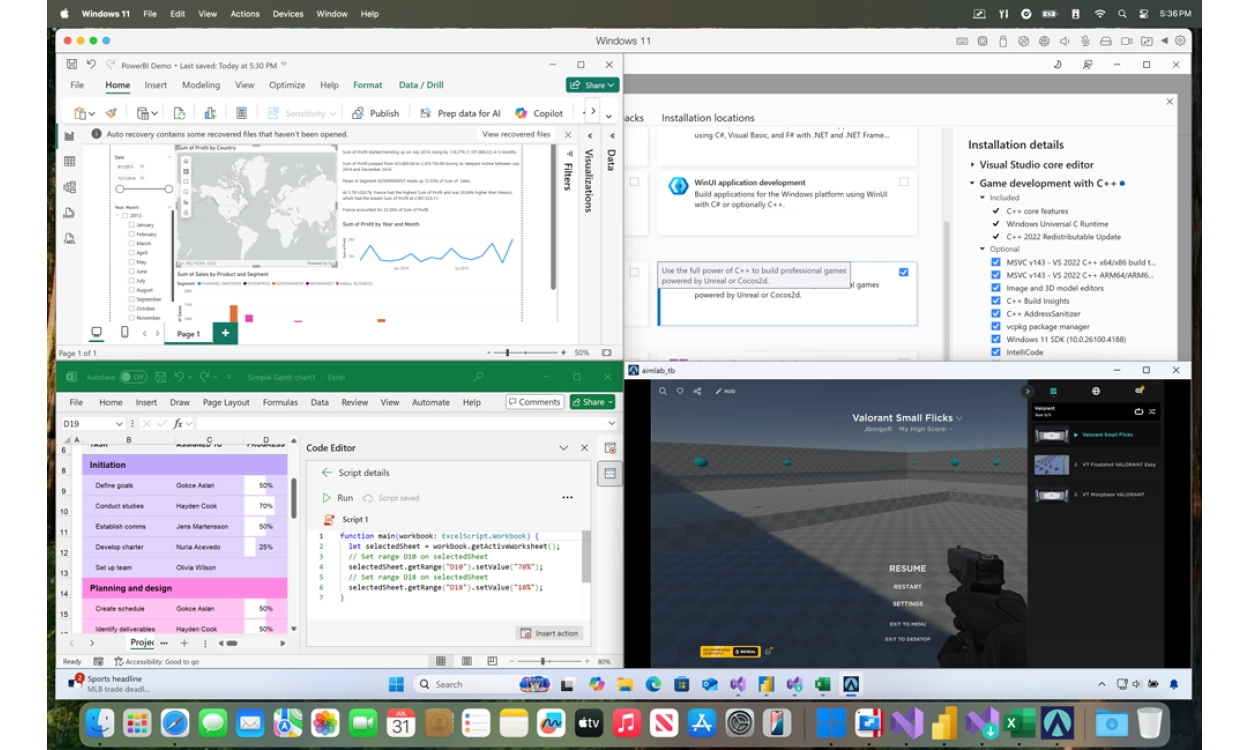
With Parallels Desktop 26, you can seamlessly run Windows 11 or Linux on your Mac with Intel or Apple Silicon, without restarting. Launch Windows programs directly from your Mac Dock, use Mac gestures in Windows apps, and work effortlessly with files between both systems. Since this is a one-time purchase, the license is valid indefinitely for Parallels Desktop 26.
New in version 26: full support for macOS 26 “Tahoe”, improved storage insights, and enhanced performance on Apple Silicon. Easily connect USB devices to your virtual machines and enjoy faster snapshots, more stable networks, and an optimized Coherence Mode.
You can also take advantage of smart Apple Intelligence tools, such as rewriting and summarizing text in Word or Outlook. Use an OBS camera directly in Windows conferencing apps and work with Dragon Medical One for voice commands in your Mac apps. Work faster and smarter, whether you're studying, working, or gaming.
Includes Parallels Toolbox with more than 40 useful tools for everyday tasks: take screenshots, clean up your disk, or download videos with a single click. Simple enough for beginners, yet powerful enough for professionals.
Install Windows within Parallels
Choose Windows 11 Home or Pro Retail, specifically designed for installation in a virtual environment. Fully compatible with Mac models powered by M1, M2, or M3 chips.
Check out the bundle deals for extra savings!
Buying from 2GO Software means 100% genuine software including installation guarantee, a clear step-by-step guide, and support from our specialists if you need help.
Parallels Desktop 26 - Now with New and Improved Features
Parallels Desktop 26 brings Windows and Mac closer together than ever before. With the latest version, you can work faster, safer, and smarter — whether you’re studying, working, or gaming. Thanks to full support for macOS 26 “Tahoe”, your virtual Windows environment runs smoothly alongside macOS. No restart is required, and you can easily share or drag and drop files and folders between both systems. Since this is a one-time purchase, your license remains valid indefinitely for Parallels Desktop 26.
With the latest features of Parallels Desktop 26, running Windows on your Mac has never been easier. Launch Windows apps directly from your Mac Dock, use Mac gestures in Windows programs, and work seamlessly with files across both operating systems. Thanks to improved performance, you’ll enjoy a smooth workflow even when running demanding applications or multiple virtual machines at the same time.
Parallels Desktop 26 and Apple Silicon: The Advantages
Improved Performance
Parallels Desktop 26 is fully optimized for Apple Silicon (M1, M2, and M3). Enjoy faster snapshots, more stable network connections, and better support for graphics-intensive applications and games. With enhanced virtualization performance, you can get the most out of your Mac, even when handling resource-heavy tasks.
USB Passthrough and Compatibility
Easily connect external devices to your virtual machine via USB passthrough, including external drives, network adapters, and security keys. Version 26 also introduces a preview feature that allows you to run Intel/x86 VMs on Apple Silicon, perfect for older software that isn’t yet ARM-native.
Optimal Mac Experience
With full support for macOS 26 “Tahoe”, Parallels Desktop 26 works seamlessly with the latest Apple updates. Choose whether to integrate Windows apps alongside your macOS apps or stick with the familiar Windows desktop layout. Everything runs smoothly and reliably, without ever needing to restart your system.
New Productivity Features
Parallels Desktop 26 introduces smart innovations to help you work faster and more efficiently:
- Apple Intelligence tools integrated into Word and Outlook, enabling features like rewriting and summarizing.
- OBS Virtual Camera integration lets you use your Mac’s camera directly in Windows conferencing apps.
- Dragon Medical One integration enables voice commands and dictation in macOS apps — perfect for healthcare professionals.
- Accurate disk space visualization in Windows VMs to prevent storage issues and ensure stable performance.
Security and IT Features
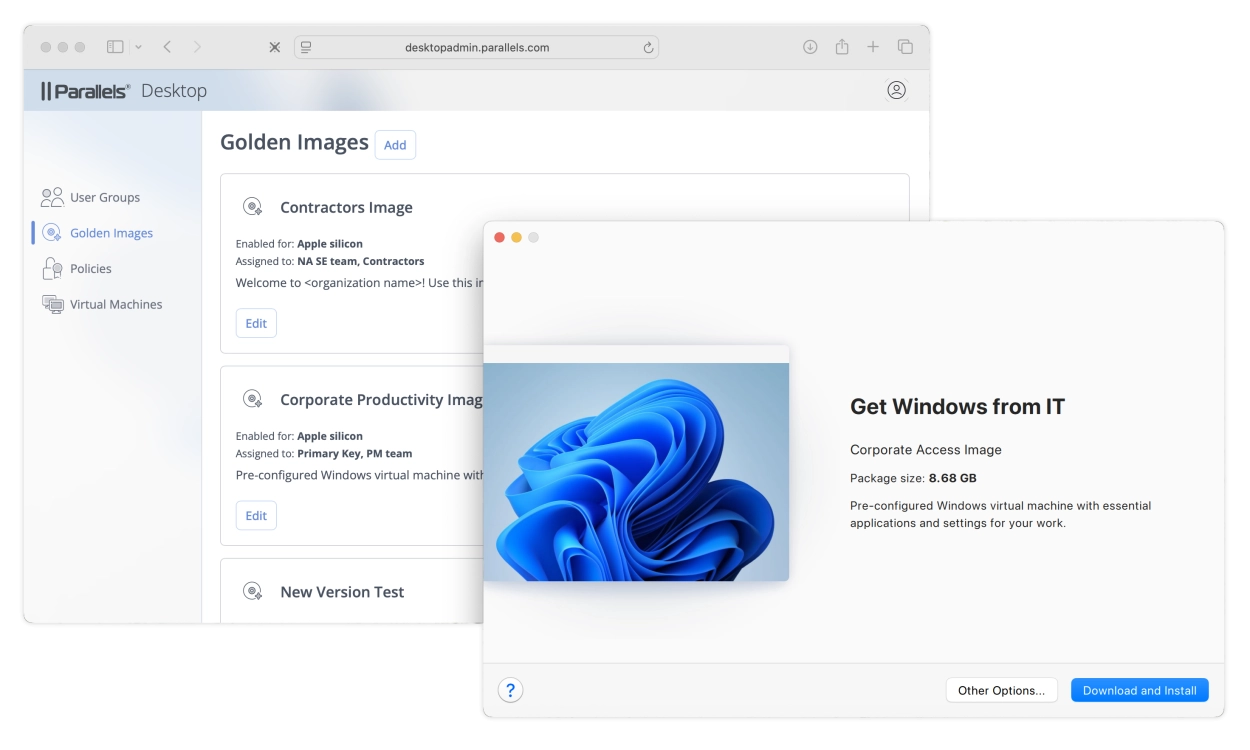
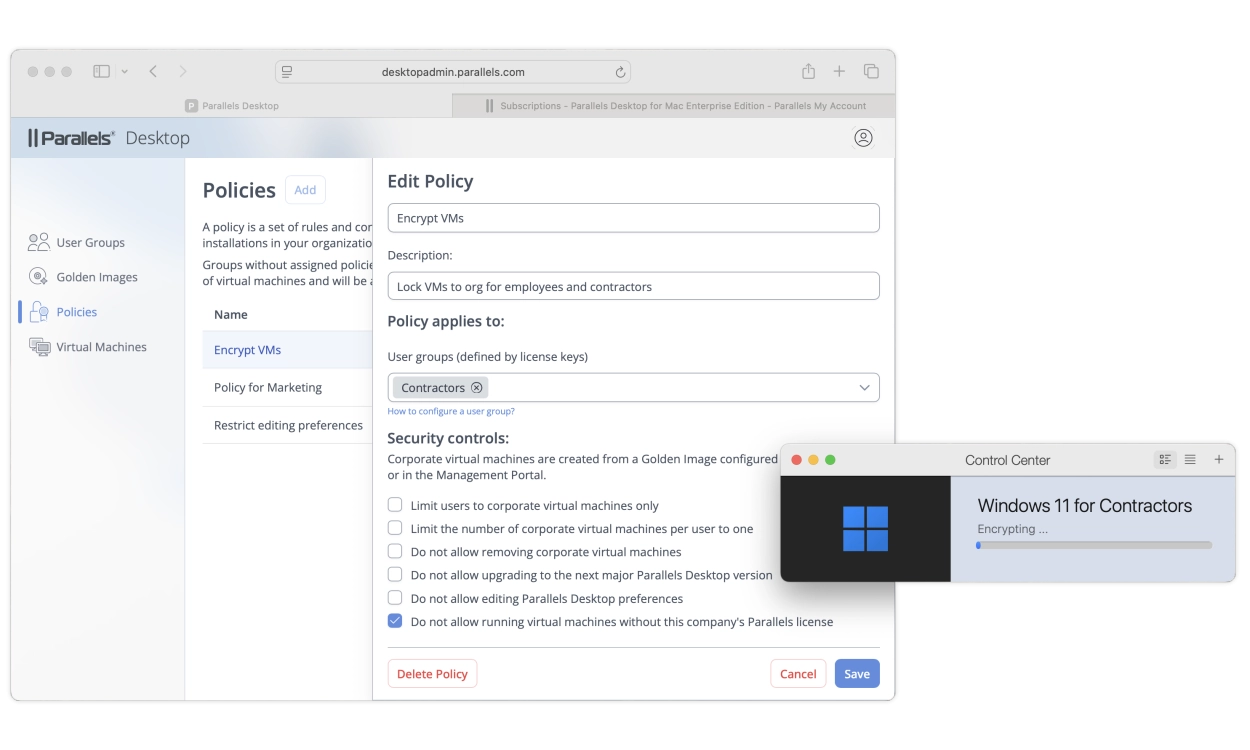
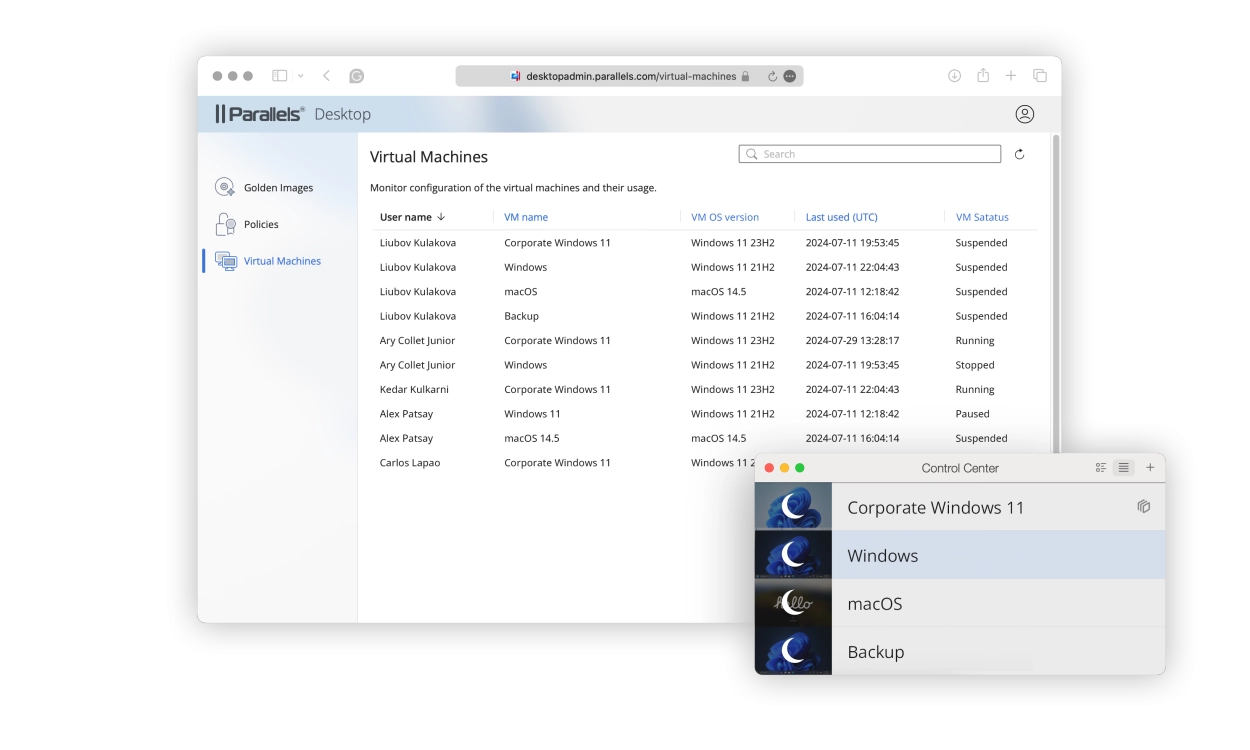
Parallels Desktop 26 is once again SOC 2 Type II certified, meeting the highest standards for security and privacy. IT departments benefit from enhanced management options, including Single Sign-On (SSO) via MDM profiles and integration with Google Workspace and JumpCloud. With support for Jamf Pro and the Enterprise Portal, you can centrally manage updates, settings, and VM configurations with ease.
The New and Improved Features of Parallels Desktop 26 for Mac – Fast, Secure, and Versatile
- Fully optimized for macOS 26 “Tahoe”
- USB passthrough and improved performance on Apple Silicon (M1, M2, and M3)
- Preview feature: Run Intel/x86 VMs on Apple Silicon
- Accurate disk space visualization in Windows VMs
- Apple Intelligence tools integrated into Windows apps
- Dragon Medical One dictation and voice commands in macOS
- OBS Virtual Camera integration in Windows
- SOC 2 Type II certified, with SSO and MDM support
- Manage and lock VMs and updates via Jamf Pro and Enterprise Portal
- Includes Parallels Toolbox with more than 40 useful tools
FAQ
Loading...
Recommended combination
Loading...
Reviews (27)
Loading...
Product information
Loading...
- Money back guarantee
- Free installation service
- 100% legitimate licence keys
Do you want to know more or are you not quite sure what to pick? Call our software specialists for the best advice.
Call me back
- Description
- Frequently Asked Questions
- Recommended combination
- Product comparison
- Alternative products
- Reviews (27)
- Product information
Summarized
-
The solution to run Windows on your Mac
-
Can be installed on 1 Mac
-
Suitable for: Mac
-
Language selection: Several languages
-
Subscription duration: One-time purchase
Buy Parallels at Licentie2GO
-
Tailor-made installation guides for installing Windows yourself
-
Multilingual helpdesk: 7 days a week
-
Never (!) Phone activation
-
No small print, but legitimate licences
-
Windows Licence Certificates of all software
