

Buy Microsoft: official licences with service and warranty
Planning to buy a Microsoft licence, but not sure yet which package suits you? Then you're in the right place. On this page, you'll find the complete Microsoft range from 2GO Software: Microsoft 365, Office 2024, Microsoft 365 Business subscriptions, bundles with Microsoft licences, Windows licences and standalone business Microsoft licences, for Word, Excel, PowerPoint and more.
Not sure whether to choose a subscription or a one-time purchase, or between personal and business use? Further down this page, we'll help you step by step towards the package that suits your situation.
Why buy from 2GO Software? Because we're an official Microsoft Solutions Partner: you're guaranteed genuine software, with an installation guarantee, customer service 7 days a week and a not-satisfied-money-back guarantee. That's why customers choose us.
Curious what that service and those guarantees involve exactly? See your 10-star experience at 2GO Software.
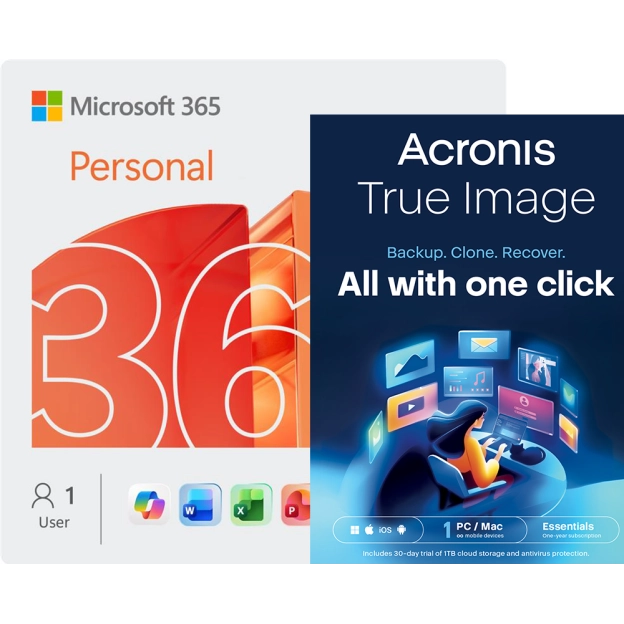
Microsoft 365 Personal + Acronis True Image Essentials | 1 PC | 1 Year
Official partner | Microsoft, Acronis | 5 devices
- Subscription: 1 year
- Microsoft 365 Personal: 1 user, 5 installationseach user can install the package on up to 5 devices
- Renew without losing days2GO Software will always let you link your renewal to your old Office 365 package. You will not lose any days from your old subscription
- Windows, Mac, Android, and iOS
MSRP:
€ 148,95
€ 105,90
€ 105,90
 Savings
-15%
Savings
-15%
Office 365 Family | 6 Users 1 Year | Formerly Office 365 Home
Microsoft | 30 devices | 1 year


- One-year subscription
- 6 Users, 5 installations per user
- Renewing without any loss of days.2GO Software will always make sure that your renewal seamlessly fits with your old Office 365 package. Therefore you’ll never lose any remaining days from your old package.
- Windows, Mac, Android and iOS.
MSRP:
€ 129,00
€ 109,95
€ 109,95
 Savings
-10%
Savings
-10%
Office 365 Personal | 1 User 1 Year | Windows | Mac | Android | iOS | Updates included
Microsoft | 5 devices | 1 year
- One-year subscription
- 1 User, 5 installations per userEach user may activate the software on 5 devices at a time.
- Renewing without any loss of days.2GO Software will always make sure that your renewal seamlessly fits with your old Office 365 package. Therefore you’ll never lose any remaining days from your old package.
- Windows, Mac, Android and iOS.
MSRP:
€ 99,95
€ 89,95
€ 89,95
 Savings
-46%
Savings
-46%
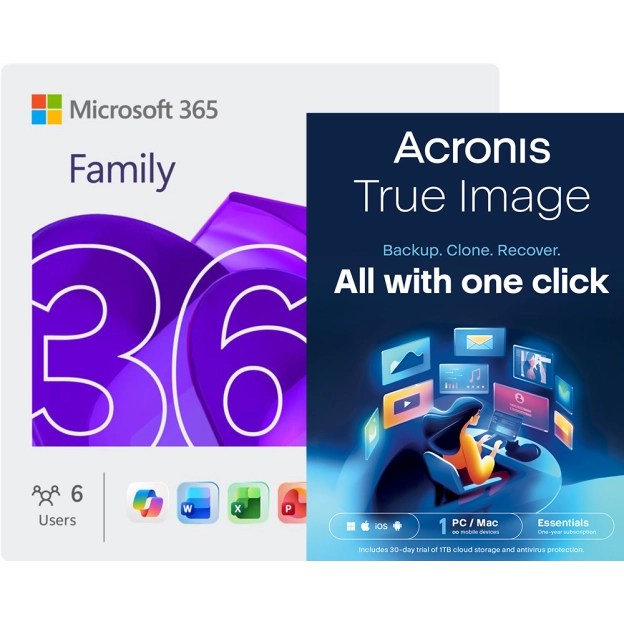
Microsoft 365 Family + Acronis True Image Essentials | 1 PC | 1 Year
Official partner | Microsoft, Acronis | 30 devices
- Subscription: 1 year
- Microsoft 365 Family: 6 users, 5 installationseach user can install the package on up to 5 devices
- Acronis True Image Essentials: 1 PC
- Renew without losing days2GO Software will always let you link your renewal to your old Office 365 package. You will not lose any days from your old subscription
MSRP:
€ 226,30
€ 121,41
€ 121,41
 Savings
-41%
Savings
-41%
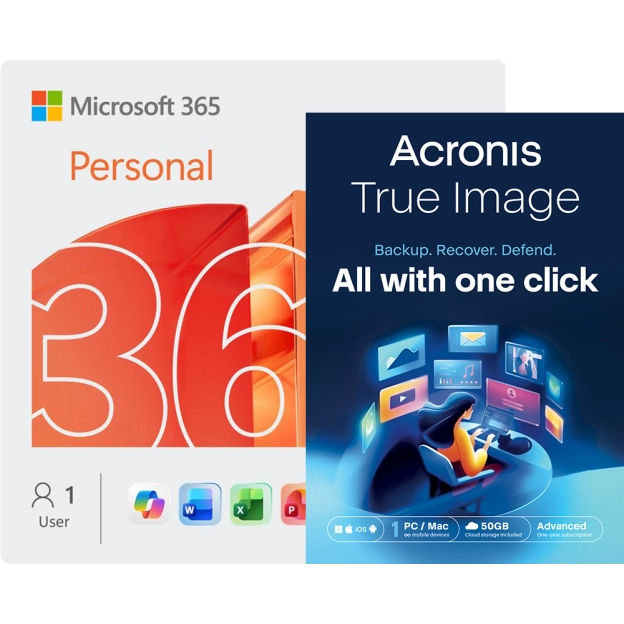
Microsoft 365 Personal + Acronis True Image Advanced | 50 GB Cloud | 1 PC | 1 Year
Official partner | Microsoft, Acronis | 5 devices
- Subscription: 1 year
- Microsoft 365 Personal: 1 user, 5 installationseach user can install the package on up to 5 devices
- Renew without losing days2GO Software will always let you link your renewal to your old Office 365 package. You will not lose any days from your old subscription
- Windows, Mac, Android, and iOS
MSRP:
€ 190,00
€ 111,53
€ 111,53
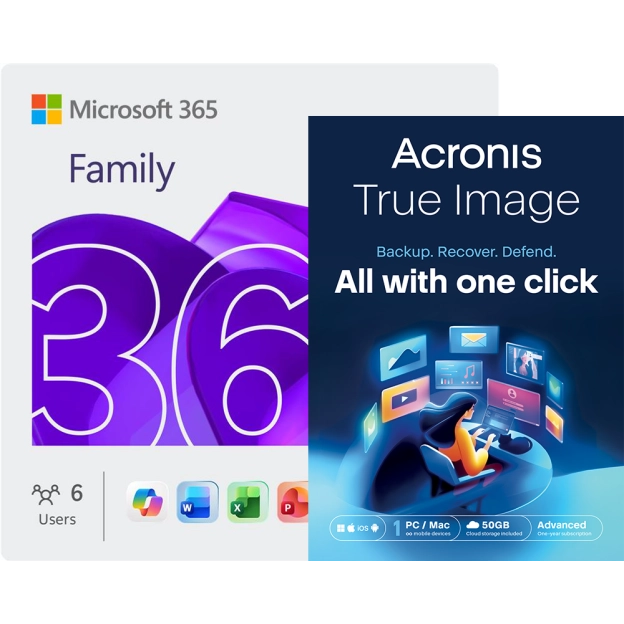
Microsoft 365 Family + Acronis True Image Advanced | 50 GB Cloud | 1 PC | 1 Year
Official partner | Microsoft, Acronis | 30 devices
- Subscription: 1 year
- Microsoft 365 Family: 1 user, 5 installations each user can install the package on up to 5 devices
- Renew without losing days2GO Software will always let you link your renewal to your old Office 365 package. You will not lose any days from your old subscription.
- Windows, Mac, Android, and iOS
MSRP:
€ 238,40
€ 130,53
€ 130,53
 Savings
-52%
Savings
-52%
Microsoft 365 Personal + Norton 360 Deluxe with Norton Utilities | 5 Devices | 1 Year
Official partner | Microsoft, Norton | 5 devices
- Subscription: 1 year
- Microsoft 365 Personal: 1 user, 5 installationseach user can install the package on up to 5 devices.
- Norton 360 Deluxe: 5 devices
- Including Norton Utilities Ultimate
MSRP:
€ 249,00
€ 120,44
€ 120,44

Microsoft 365 Personal + Norton 360 Deluxe | 3 Devices | 1 Year
Official partner | Microsoft, Norton | 3, 5 devices
- Subscription: 1 year
- Microsoft 365 Personal: suitable for 5 devices
- Norton 360 Deluxe: suitable for 3 devices
- VPN module included
MSRP:
€ 193,99
€ 92,95
€ 92,95

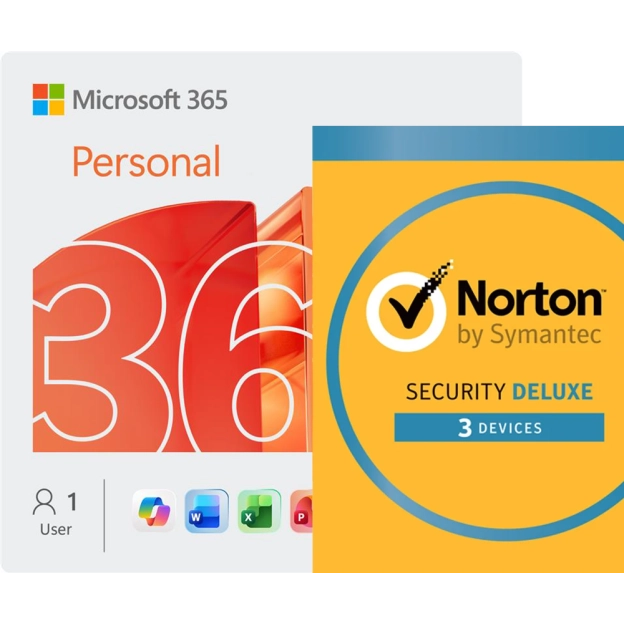
Microsoft 365 Personal + Norton Security Deluxe | 3 Devices | 1 Year
Official partner | Norton | 3, 5 devices
- Subscription: 1 year
- Office 365 Personal: 1 user, 5 installations per userEach user may install the package on 5 devices
- Norton Security Deluxe: Suitable for 3 installations Supports Windows, Mac, Smartphone/Tablet..
- Suitable for: Windows, Mac, Android, and iOS
MSRP:
€ 128,99
€ 103,40
€ 103,40
 Savings
-14%
Savings
-14%
Microsoft Visio Online Plan 2 | Annual subscription
Microsoft | 5 devices | Automatic renewal
- Subscription for 1 year
- Available languages: EN, all languages
- Compatible with Windows, OSX, Android, Chrome OS and iOS
- With 2GB of storage in OneDrive for Business
MSRP:
€ 156,00
(ex VAT) € 133,99
per jaar *
(ex VAT) € 133,99
per jaar *
 Savings
-14%
Savings
-14%
Microsoft Visio Online Plan 1 | Annual subscription
Microsoft | Automatic renewal | Productivity Software
- Subscription for 1 year
- Available languages: EN, all languages
- Compatible with Windows, OSX, Android, Chrome OS and iOS
- With 2GB of storage in OneDrive for Business
MSRP:
€ 51,60
(ex VAT) € 44,49
per jaar *
(ex VAT) € 44,49
per jaar *
2GO Software: certainty and service when you choose Microsoft
The best place to buy Microsoft is from an official partner. 2GO Software is an official Microsoft Solutions Partner: we buy licences directly from Microsoft, which means your software is guaranteed to keep working today and in the future. Find out on our Microsoft partner page what concrete benefits that partnership brings you as a customer.
On top of that, you get a tailored activation guide, customer service available 7 days a week and a not-satisfied-money-back guarantee: if you're not happy with the software, we'll exchange it or refund you. All the service and guarantee details are described in full on the page about your 10-star experience.
Which Microsoft product suits you?
For home use: individual users, families and housemates
Not sure whether to choose a subscription or a one-time purchase? Microsoft 365 Personal is an annual subscription for individual users that always gives you the latest version of Word, Excel, PowerPoint and Outlook, plus 1TB of cloud storage - suitable if you're happy to pay annually and want automatic updates.
Would you rather share the licence with your family or housemates? Microsoft 365 Family offers the same apps and cloud storage for up to 6 users at once, ideal for households and families.
Would you rather buy Microsoft once without a subscription? Then Office 2024 is the better choice: a permanent licence for the fixed Office apps, with no cloud storage and no recurring costs.
Still not sure?
In our blog comparing Microsoft 365 versus Office 2024,
we put both options side by side, so you can make the right choice based on how you use it.
For business use: companies, sole traders and freelancers
Looking to buy Microsoft for your business? Working with a small to medium-sized team, or want business features such as shared mailboxes and Teams? Take a look at the Microsoft 365 Business subscriptions.
Part of a larger organisation that needs advanced security and extensive user management? Then Microsoft 365 Enterprise
For your operating system
Alongside Office software, we also sell Windows licences, both Home and Pro, as a one-time purchase.
Word, Excel and PowerPoint: the foundation of every Microsoft package
Whether you choose Microsoft 365 or Office 2024, almost every package for home use includes the core applications Word, Excel and PowerPoint. You use Word for word processing and documents, Excel for spreadsheets and data analysis, and PowerPoint for presentations. Want to know more about exactly what these programmes do? Read our explanation of Word, Excel and PowerPoint, or read more about what Microsoft 365 actually is.
Still have doubts? Our customer service is happy to help!
Not entirely sure which Microsoft product to buy? Our customer service is available 7 days a week and will help you towards the right package, free of charge and with no obligation.
Frequently asked questions about Microsoft
Microsoft 365 is a yearly subscription that always stays up to date with the latest features, security updates, and improvements. It includes cloud storage via OneDrive, collaboration tools such as Teams, AI features like Copilot, and can be used on multiple devices.
Office 2024 is a one-time purchase that remains permanently valid on one device. It works completely offline, but you only receive security updates, no new features, and cloud or collaboration options are limited.
Choose Microsoft 365 if you want to stay up to date and work online with others. Choose Office 2024 if you prefer a one-time purchase and mainly work offline.
Microsoft 365 licenses come in different versions for home use and also for business use.
To help you choose the right version that fits your needs, we have written a blog article that compares the different versions.
Go to our Blog page to read the article.
Absolutely. After your purchase, you’ll immediately receive a clear step-by-step installation guide. Even if you’ve never used Microsoft before, installing it is easy. Within a few minutes, you can start working with Word, Excel, PowerPoint, and more.
Need extra help? Use our free installation service. Our specialists will personally assist you with the installation and optimal setup of Microsoft, so everything is configured correctly and you can start working right away.
Yes, you won’t lose any days. If you activate your new Microsoft 365 license while your current license is still active, the remaining time will automatically be added to your new license. However, it is important that you activate this to the same e-mail address as your current Microsoft 365 licence.
Everything stays intact! You don’t lose anything and don’t have to wait for your current license to expire.
Microsoft Copilot is the AI assistant within Microsoft 365 that helps you work faster and more efficiently.
You can use Copilot to:
- Write or rewrite texts in Word
- Analyse data in Excel
- Create presentations in Powerpoint
- Draft or summarise emails in Outlook
- Generate or edit images in Microsoft Designer
Copilot works with an allowance of 60 AI credits per month. Each AI action uses credits. Your allowance is automatically renewed every month and any unused credits expire.
Copilot is an additional tool. You can continue to use Microsoft 365 without the AI features.